
Accelerate Your Application Development With Our 3D SDKs
Explore the solutions that integrate with your existing software to accelerate time to market and lower development costs. Revolutionize your workflows with industry-leading technology that’s served millions of end-users for over three decades.

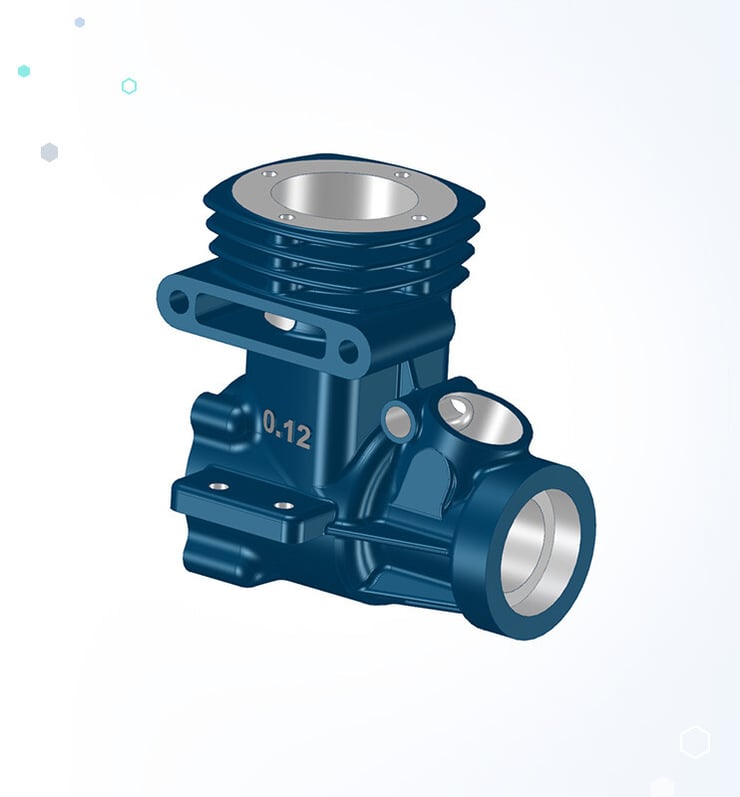
3D Modeling Kernels and Add-Ons
Our industry-proven 3D modeling SDKs deliver unrivaled components that accelerate your development process, enabling faster market placement and boosted ROI. Meet the ever-increasing demand to deliver innovative CAD designs with renowned 3D modelers like CGM and ACIS, along with cutting-edge add-ons.
Deploy the powerful capabilities of these modelers to the software architecture that best suits your workflow, whether on the cloud, in your application datacenter, via mobile devices — or a combination of all three. Develop applications faster, differentiate your 3D software and boost time-to-revenue with Spatial SDKs.
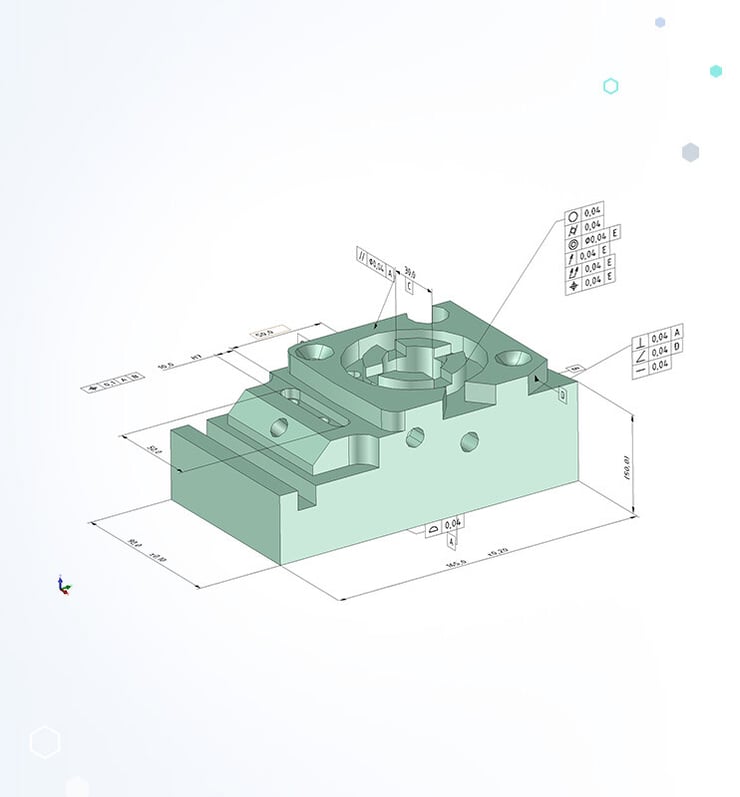
CAD Interoperability and 3D Translation Solutions
We offer the industry’s leading 3D CAD data translation software development toolkit, enabling your customers to work with 3D data as if it were created natively in their own application.
Our data preparation SDKs help you manage and transform imported CAD data to ensure it’s suitable for downstream workflows. Spatial SDKs streamline the process of preparing CAD data for various applications such as simulation, manufacturing, analysis and more.
Optimize user interaction with 3D data and read and write all major CAD files — without purchasing additional licenses.
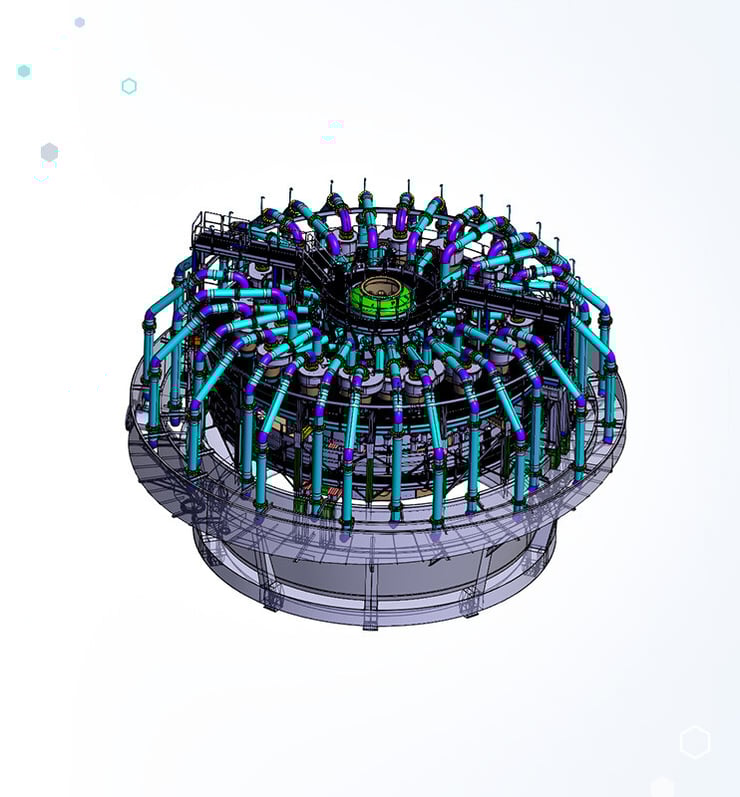
Graphical Engine and 3D Visualization SDKs
HOOPS Visualize provides your business with the industry’s most powerful, portable, complete graphics development component for creating 3D applications.
Facilitate optimized on-screen viewing, manipulation and interaction to reduce development time and seamlessly integrate with other leading Spatial SDKs and visualization applications.
Build applications on the cloud with HOOPS Communicator, opening up new possibilities and efficiencies for your workflow. Enhance user experience and stand out in a competitive market with our 3D visualization solutions.
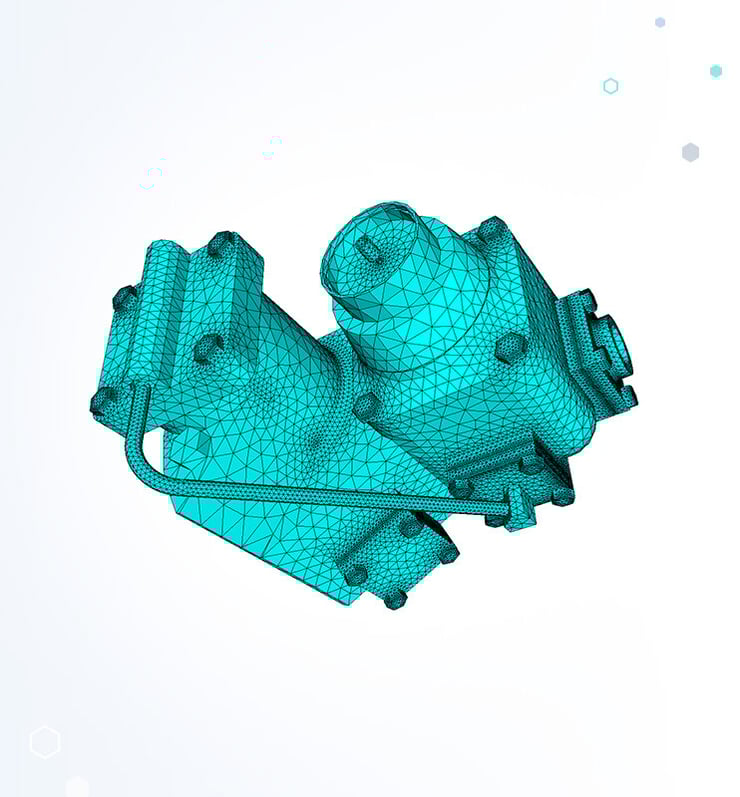
3D Mesh Generation Solutions
Enhance the accuracy and performance of your simulations with 3D Precise Mesh. Benefit from automatic and reliable meshing with controls to guarantee accurate simulations for any CAE workflow.
Our advanced 3D mesh generation tools ensure high-fidelity simulations that minimize human error and allow for mesh optimization without compromising model accuracy.
Reduce prototyping costs, shorten design times and minimize backlogs with our 3D mesh software.
AGM, the 3D Application Framework
Improve your workflows using proven 3D application frameworks that deliver results. Our application frameworks allow you to benefit from a structured, trusted and tested environment for developing 3D applications, leaving you to focus on adding innovation to your workflow.
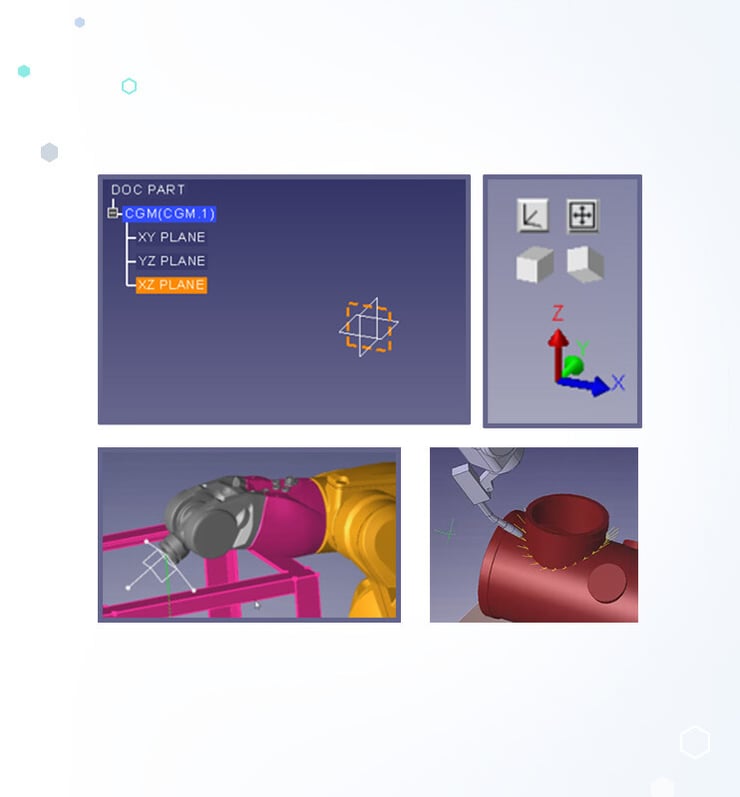
Minimize development effort and shorten time-to-market with the Application Graphics Manager (AGM), adopted by 40+ organizations in a variety of industries, such as computer aided engineering (CAE), robotics, metrology, computer aided design (CAD) and more.
Focus on your value-add and inject efficiency into your processes without compromising on quality.

Working with Spatial has been pleasant and effortless and we've found it easy to work with their components. And we would wholeheartedly recommend Spatial for similar development efforts.
Bertil Thorvaldsson, Product Manager, Software Products, ABB Robotics Division

The world of possibilities in the robotics industry is exciting. Robots are the most flexible equipment to automate production. Working with Spatial means working with the leader in 3D environments and gives us even more confidence about the solution that we bring to our customers.
Edouard Guillaume, Marketing Manager, Stäubli Robotics

Working closely together with Spatial, not only strengthened our knowledge of PMI and our CAMIO software but also provided very valuable feedback to Spatial which helped to improve the Uconnect product, thereby making our product better in the end.
Eric Hayes, Director - Metrology Solutions, LK Metrology

By leveraging Spatial SDKs to launch our Instant Quoting software, we achieved our goals efficiently and successfully launched within just seven months of signing the contract— a testament to the smooth and well- coordinated integration process.
Mitchell Eaton , Director of Product, Prototek

Working with Spatial was a real milestone for us: Thanks to the powerful 3DInterOp library, we were able to successfully bring our complex CAD-based solutions to the cloud while remaining flexible to meet individual customer requirements. For us, Spatial is not just a technology partner, but a true enabler of our product strategy.
Dr. Arno Michelis, Founder, Simus Systems
With Data Prep, we are able to reduce the amount of detail, the amount of facets, for example, in tool drawings or fixtures. With a one-click solution, our customers can prepare for future needs and make the process more comfortable and faster.
Knut Mersch, Managing Director, Development Department, COSCOM
Explore More Resources
.svg)
Case Studies
Hear from the countless businesses successfully managing common industry challenges using Spatial solutions.
.svg)
Guides & Whitepapers
Learn more about how Spatial solutions can address your challenges and improve your 3D application development processes..svg)