3D SDKs for Costing and Quoting Applications
Spatial's SDKs give costing and quoting software developers the CAD import, geometry analysis, and 3D visualization capabilities their applications depend on. From sheet metal and CNC machining to 3D printing and general manufacturing, our technology handles the geometry so your team can focus on the cost models.

They Trusted us to Build Their App





your challenges
Key Challenges in Costing
Software Development
Building a reliable costing engine requires solving hard geometry problems before the cost logic even runs.
Here are the four challenges costing software teams face most often.
Here are the four challenges costing software teams face most often.

CAD format fragmentation
Customers send files in every format imaginable — CATIA, SOLIDWORKS, NX, Creo, STEP, JT. A costing tool that can't read them all loses deals, and translation errors (missing holes, lost bends) wreck quote accuracy.
Extracting geometry for automation
Automated routing needs more than import. The software must detect holes, pockets, patterns, bends, and surfaces directly from the model — otherwise costing falls back to manual interpretation.
Cloud deployment complexity
Running a costing engine in the cloud across every CAD format demands parallelizable, scalable, format-agnostic processing. Desktop-era libraries rarely make the jump without a full rearchitecture.
Manual quoting does not scale
Back-and-forth quoting takes days and breaks under volume. Customers now expect instant, accurate quotes — which requires geometry analysis and cost computation that run programmatically, end to end.
1. Import CAD Files
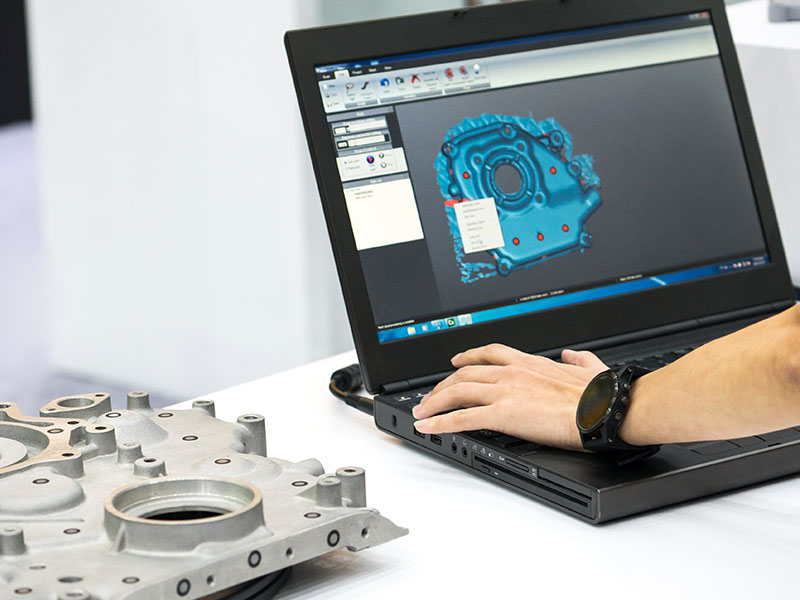
- Part and assembly import across 30+ formats
- Selective B-Rep import for targeted analysis
- Semantic and graphical PMI extraction
- CAD associativity to link PMI to geometry
- Automatic geometry healing

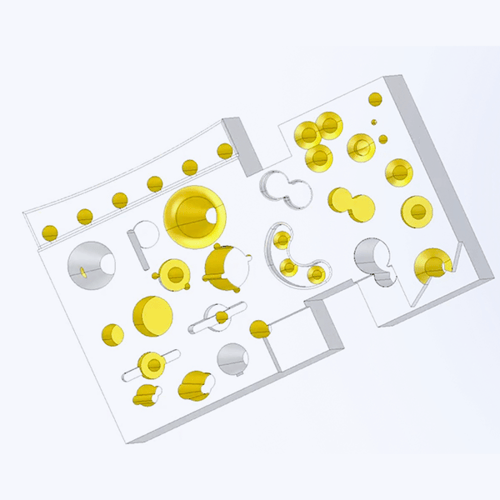
2. Analyze Geometry and Features
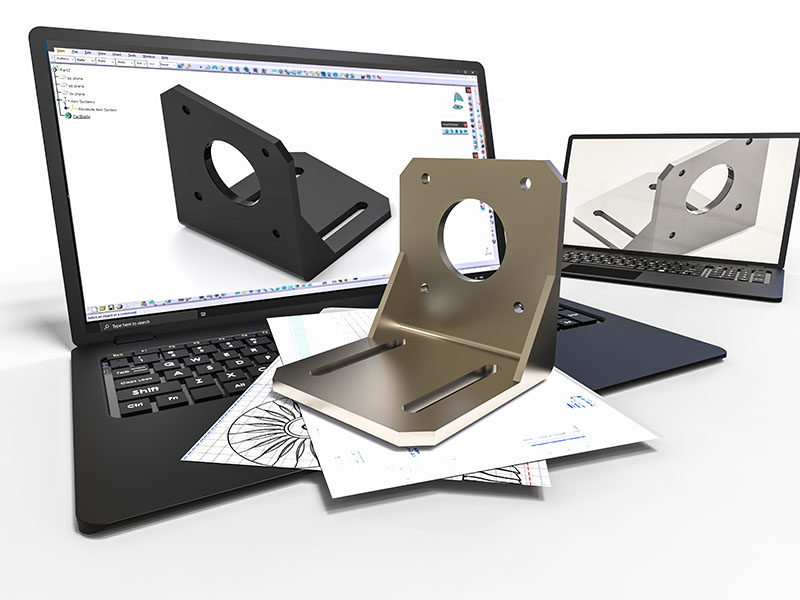
- Geometry queries: surface area, volume, bounding box dimensions
- Mass properties calculation
- Feature recognition: holes, pockets, slots, threads, bends, patterns
- Sheet metal unfold and blank size determination
- Defeaturing to simplify models for specific cost calculations



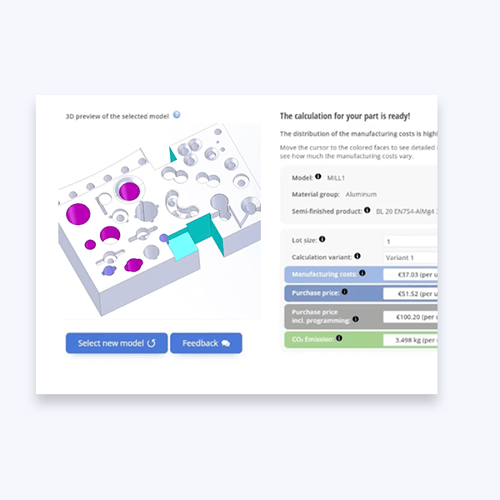
3. Run Cost Engine
- Query tessellation data for surface-based calculations
- Access geometric metadata and PMI for tolerance-based pricing
- Feed feature counts, dimensions, and material properties into cost models
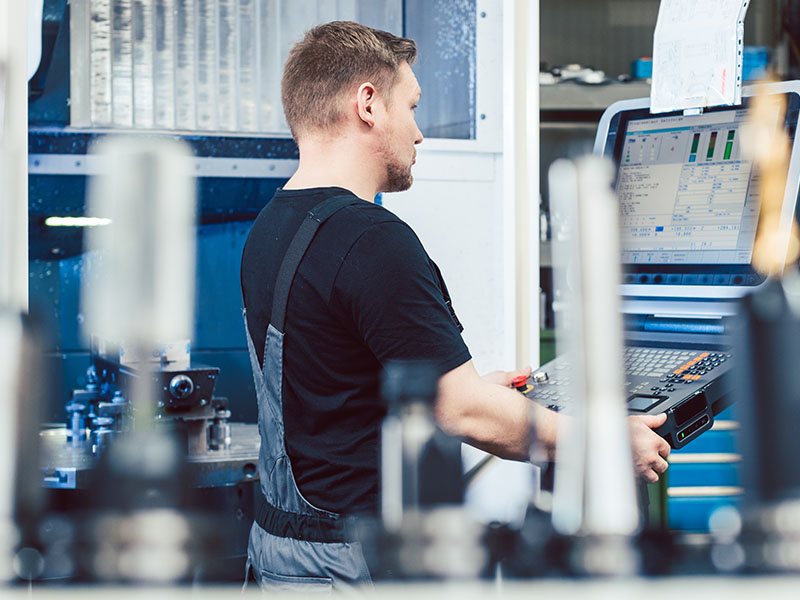
- Propose a production plan based on your machining tools, equipment setup, available resources and associated costs.
Features Built for Costing Workflows
Spatial's SDKs address each stage of the costing pipeline — from reading any CAD file your customer sends, to extracting the features that drive production routing, to displaying results in a browser or desktop application.
CAD import and healing
Semantic PMI with geometric associativity
Feature recognition and defeaturing
Geometry queries and mass properties
3D visualization for desktop and web
CAD import and healing
CAD import and healing
3D InterOp reads native CAD formats — CATIA V4/V5/V6, SOLIDWORKS, NX, Creo, Inventor, Solid Edge, and more — plus neutral formats like STEP, IGES, JT, and 3MF. Imported geometry goes through automatic healing to close gaps, fix tolerances, and produce analysis-ready B-Rep solids. For costing applications that process hundreds of files per day, 3D InterOp supports multi-process translation and server deployment.
Semantic PMI with geometric associativity
Semantic PMI with geometric associativity
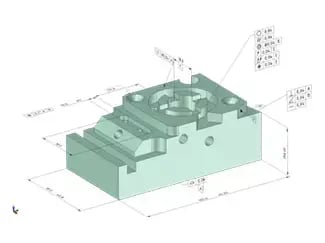
3D InterOp extracts GD&T, surface finish callouts, and other manufacturing annotations in both graphical and semantic form. Semantic PMI is machine-readable — your cost engine can automatically flag tight tolerances that require grinding instead of milling, or surface finish requirements that add polishing steps. Geometric associativity ties each annotation to the specific face or feature it applies to, so the cost engine knows exactly where the tolerance matters.
Feature recognition and defeaturing
Feature recognition and defeaturing
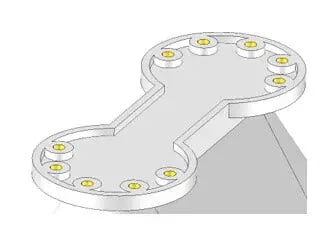
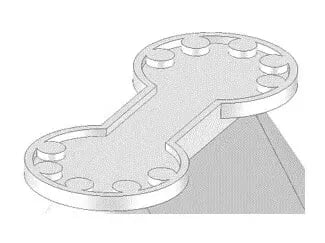
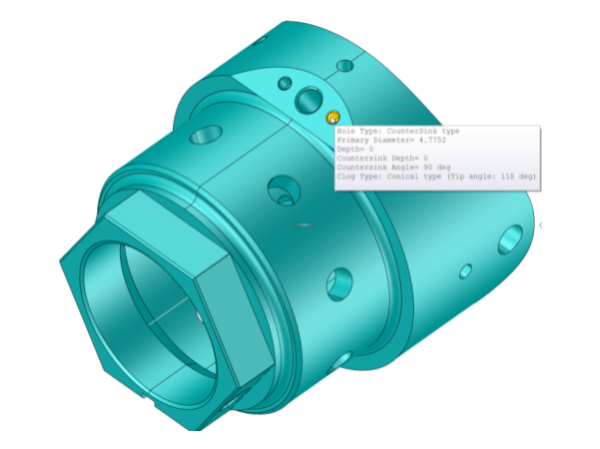
CGM Modeler identifies holes (through, blind, countersunk, counterbored, threaded), pockets (open, closed), slots, fillets, chamfers, bosses, and ribs directly from B-Rep geometry. It also recognizes feature patterns — a bolt circle of 12 identical holes can be counted and costed as a pattern rather than 12 individual operations. Defeaturing removes cosmetic or irrelevant features to simplify analysis for specific costing scenarios.
Geometry queries and mass properties
Geometry queries and mass properties
Both CGM Modeler and 3D ACIS Modeler provide surface area, volume, centroid, moments of inertia, bounding box, and other geometric properties that feed directly into material cost, weight-based shipping cost, and raw stock size calculations. These queries run on the full-precision B-Rep model, not on tessellated approximations.
3D visualization for desktop and web
3D visualization for desktop and web
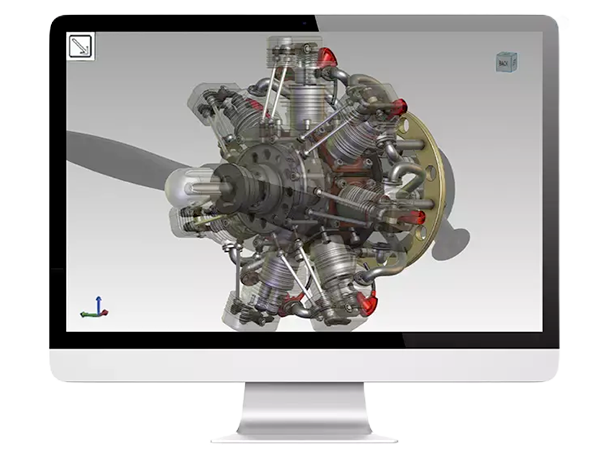
HOOPS Visualize delivers high-performance 3D rendering for desktop costing applications. HOOPS Communicator provides the same capability in a browser, with no plugins — upload a part, see it in 3D, rotate it, click on features to see cost breakdowns. Both SDKs support PMI overlay, section views, measurement tools, and custom color-coding by cost driver.

Why Work With Spatial SDKs?
Over 400 companies across manufacturing and engineering software have built on Spatial's SDKs. Here is what that means for your development team.

Focus on your cost models, not file formats
CAD import, geometry analysis, and 3D visualization are hard problems that take years to build and maintain. Spatial handles them. Your team spends its time on the costing logic, industry expertise, and user experience that actually differentiate your product in the market.

Ship Faster
Customers have built and launched instant quoting platforms within months of signing with Spatial. Quotes that used to take hours can be generated in seconds. Costing and classification software can be moved to the cloud with 3D InterOp, enabling standardized processing across all major CAD formats.

Deploy anywhere
Spatial SDKs run on desktop, server, and cloud. 3D InterOp and CGM Modeler support multi-process server deployment for high-throughput costing platforms. HOOPS Communicator handles browser-based visualization without desktop installs. Whether you're building a desktop tool for a machine shop or a SaaS platform processing thousands of quotes per day, the same SDKs work in both environments.

Reduce integration risk
Getting CAD translation and geometric analysis from the same vendor eliminates the mismatch problems that plague multi-vendor toolchains. 3D InterOp delivers clean B-Rep data directly into CGM Modeler's analysis functions. Over 400 companies across manufacturing, AEC, and other industries rely on Spatial's SDKs, backed by 35+ years of geometric kernel development.
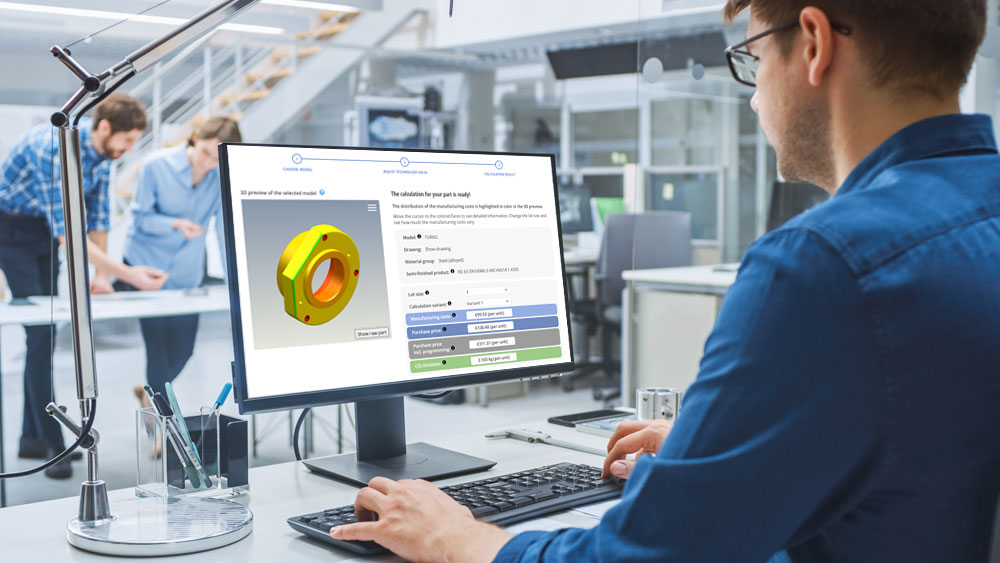
How Simus Systems Uses 3D InterOp to Enable Cloud-Based Costing and CAD Classification
Simus Systems needed a CAD format interface to move their data processing and costing software to the cloud.
All Our Costing Related Resources
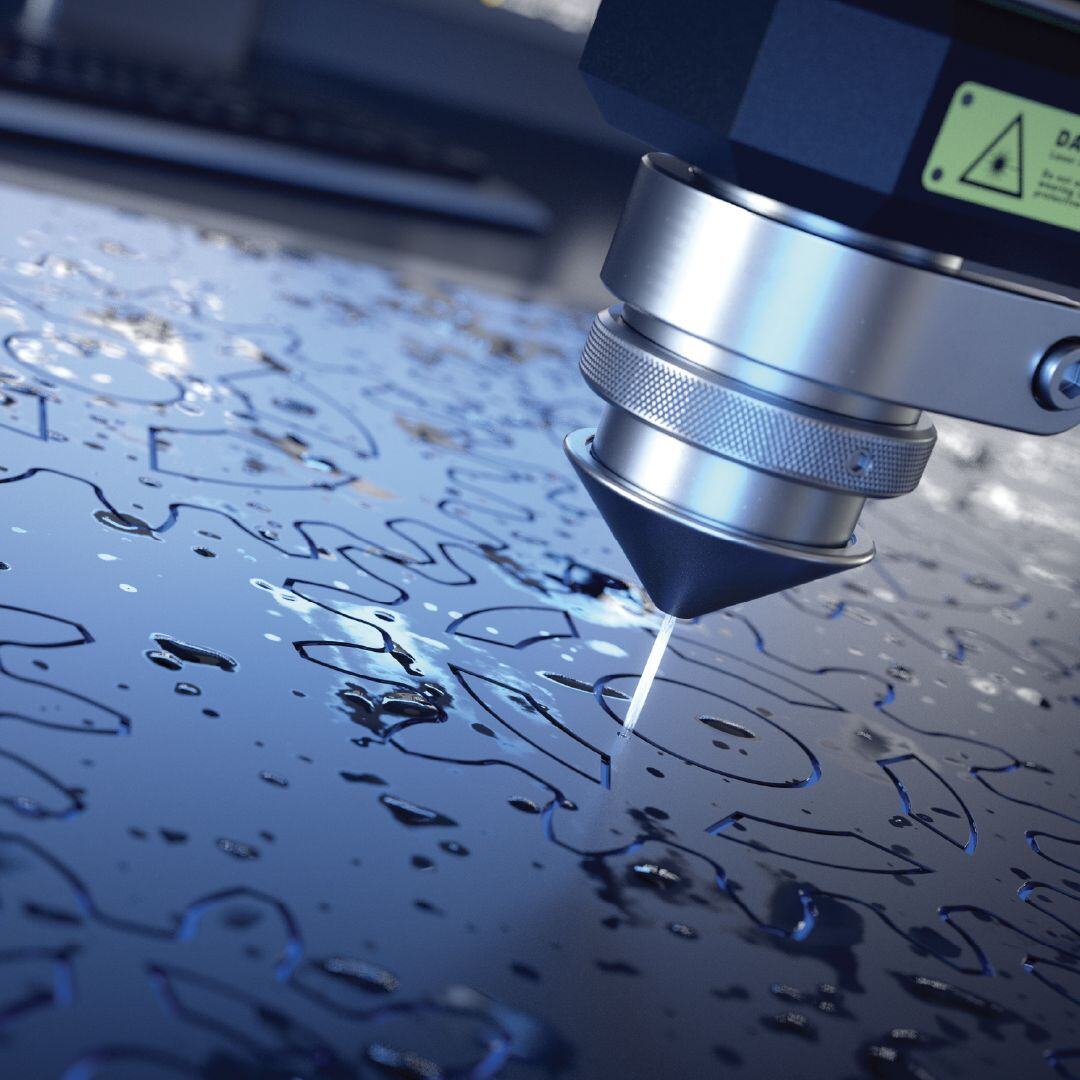
Prototek Released Advanced Digital Manufacturing Quoting
Prototek IQ, empowered by Spatial components allow instant quoting for 3D models. It saves customers’ time, alleviates administrative tasks, and opens new
opportunities in digital manufacturing.
Coreform Brings Game-Changing Simulation Software To Life
Coreform was poised to make a real impact on the CAE world. By integrating specific Spatial SDKs customized
to their needs, Coreform closed the circle on its revolutionary software.
How Simus Systems Uses 3D InterOp to Enable Cloud-Based Costing and CAD Classification
Simus Systems needed a CAD format interface to move their data processing and costing software to the cloud.
The Backbone of Engineering Software: Inside 3D InterOp’s Proven Technology
How 3D InterOp became the industry-driven go-to CAD interoperability solution for design, engineering,and manufacturing applications.
CGM Modeler: A Platform for Innovation
Learn how CGM Modeler enables application development for creating, modifying, querying, and visualizing 3D data across industries.