
XMT_TXT File Format
Unlike X_T or X_B, which focus primarily on individual parts or geometry transfer, XMT_TXT is designed to represent complete product structures, making it well suited for multi-part and assembly-level data exchange.
Want to learn about other file formats ?
.png)

Related content
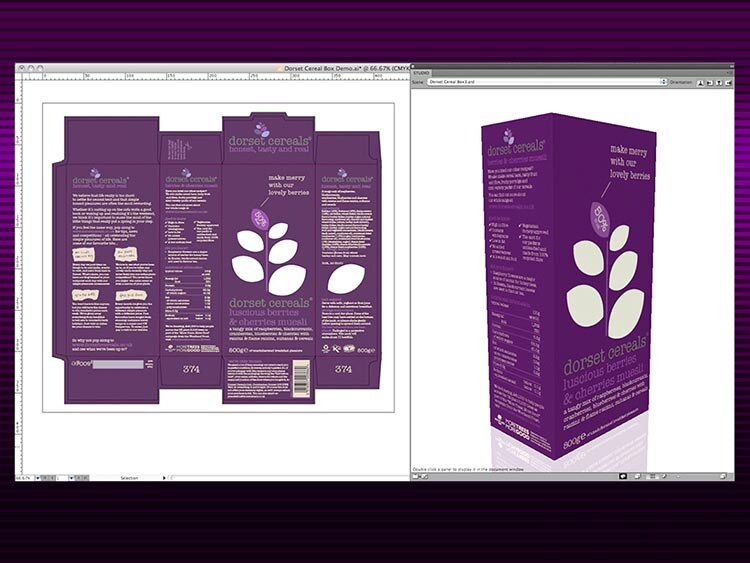

EskoArtwork Drastically Reduced Preparation of CAD Models for Downstream Use
EskoArtwork's ArtiosCAD gained 3D CAD model import functionality, maintaining competitive edge without straining in-house resources.
ABB's Programming Without Shutting Down Production
ABB’s Robotics Division used RobotStudio software for PC-based robot programming, boosting productivity without production shutdowns.
EskoArtwork Drastically Reduced Preparation of CAD Models for Downstream Use
EskoArtwork's ArtiosCAD gained 3D CAD model import functionality, maintaining competitive edge without straining in-house resources.
IMSI Accelerated Time-to-Market for New Features
IMSI/Design integrated new versions of ACIS quickly, bringing a new version of TurboCAD to market every 12-15 months.
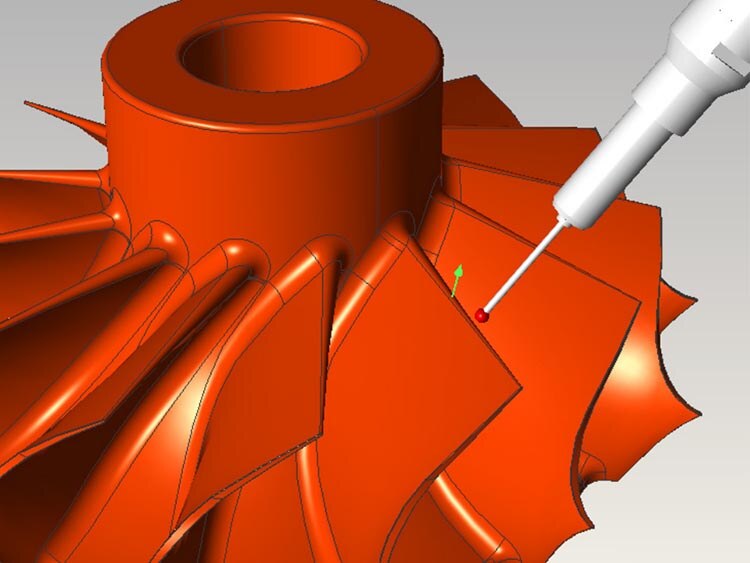

Dukin Co Slashed Development Costs by 50%
Dukin used 3D ACIS Modeler to focus on core technology, reducing time spent on solid modeling and accelerating new product development.
FVA Accelerated Support for New and Updated CAD Formats
FVA's solutions served the driveline industry with software capable of sophisticated simulations and detailed analyses of gearbox components.

Healing as an Essential Function: Preserving Design Intent in 3D Models
Discover the importance of 3D model healing, pre-healing actions by 3D InterOp, and the healing process.
How to Successfully Develop, Deploy, and Support 3D Applications
Explore the top reasons to use Spatial's 3D SDK for developing, deploying, and supporting innovative 3D applications.
Learn More On Our Blog


