XMT_TXT File Format
It is the binary equivalent of XMT_TXT, designed to efficiently represent complex products composed of multiple parts while reducing file size and improving performance.
Want to learn about other file formats ?
Technical Explanation
XMT_BIN is a binary Parasolid transmit format that extends standard Parasolid geometry exchange to include assembly-level information.
Unlike X_T or X_B, which are primarily focused on individual parts or geometry transfer, XMT_BIN is specifically intended for complete product structures.
An XMT_BIN file typically contains:
-
Exact Parasolid B-Rep geometry for solids and surfaces
-
Assembly hierarchy, including part relationships and structure
-
Transformation and positioning data for components within assemblies
-
Attributes and metadata required to reconstruct the full product context
Because XMT_BIN is binary, it offers:
-
Smaller file sizes compared to XMT_TXT
-
Faster read/write performance
-
Improved scalability for large assemblies
Like other Parasolid exchange formats, XMT_BIN does not preserve feature history, parametric constraints, or 2D drafting entities, focusing instead on precise 3D geometry and structure exchange.
Applications and Industry Use Cases
XMT_BIN is commonly used in workflows where performance and assembly fidelity are critical:
-
Enterprise CAD and PLM systems exchanging large product structures
-
Multi-CAD collaboration involving full assemblies across platforms
-
Manufacturing and CAM workflows requiring accurate part positioning
-
CAE and digital mockup applications working with complex assemblies
For large-scale industrial models, XMT_BIN is often preferred over text-based formats due to its efficiency and robustness.
Challenges or Common Pitfalls
While XMT_BIN is optimized for performance, several considerations apply:
-
Binary content prevents manual inspection or debugging
-
Compatibility depends on the Parasolid version supported by the target system
-
Feature history and design intent are not retained
-
Limited support in lightweight viewers compared to part-level formats
Reliable interoperability tools are required to ensure consistent reconstruction of both geometry and assembly structure.
How Spatial Helps
Spatial’s 3D InterOp SDK provides full support for XMT_BIN import and export, enabling reliable translation of Parasolid assemblies across CAD systems.
3D InterOp preserves exact geometry, assembly hierarchy, positioning, and metadata, while applying advanced validation and healing to ensure clean and consistent results.
Whether importing XMT_BIN data into Parasolid-based applications or translating it into non-Parasolid environments such as ACIS or CGM based systems, Spatial enables seamless assembly-level interoperability across complex multi-CAD workflows.
Discover how Spatial handles XMT_BIN files efficiently
Related content
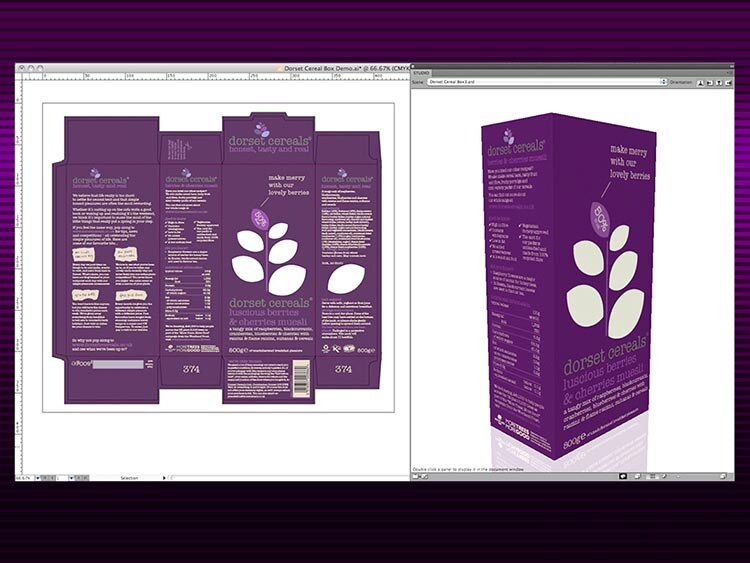
EskoArtwork Drastically Reduced Preparation of CAD Models for Downstream Use
EskoArtwork's ArtiosCAD gained 3D CAD model import functionality, maintaining competitive edge without straining in-house resources.
ABB's Programming Without Shutting Down Production
ABB’s Robotics Division used RobotStudio software for PC-based robot programming, boosting productivity without production shutdowns.
EskoArtwork Drastically Reduced Preparation of CAD Models for Downstream Use
EskoArtwork's ArtiosCAD gained 3D CAD model import functionality, maintaining competitive edge without straining in-house resources.
IMSI Accelerated Time-to-Market for New Features
IMSI/Design integrated new versions of ACIS quickly, bringing a new version of TurboCAD to market every 12-15 months.
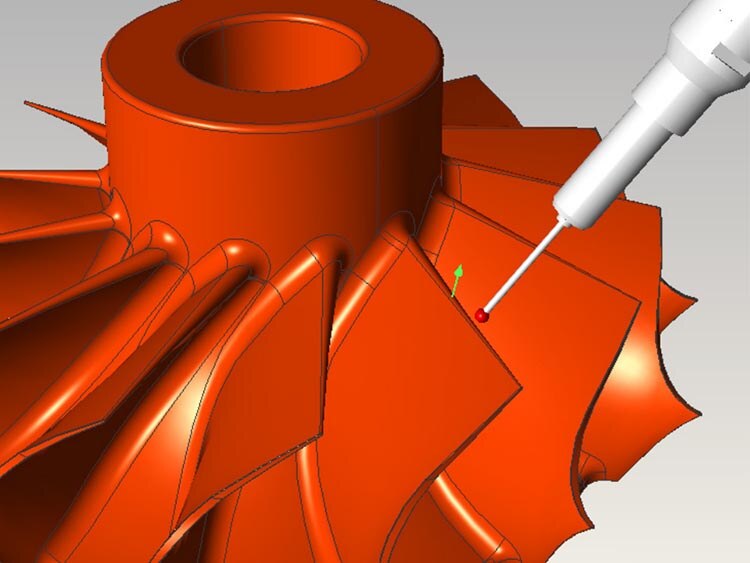
ABB's Programming Without Shutting Down Production
ABB’s Robotics Division used RobotStudio software for PC-based robot programming, boosting productivity without production shutdowns.
EskoArtwork Drastically Reduced Preparation of CAD Models for Downstream Use
EskoArtwork's ArtiosCAD gained 3D CAD model import functionality, maintaining competitive edge without straining in-house resources.
IMSI Accelerated Time-to-Market for New Features
IMSI/Design integrated new versions of ACIS quickly, bringing a new version of TurboCAD to market every 12-15 months.

Dukin Co Slashed Development Costs by 50%
Dukin used 3D ACIS Modeler to focus on core technology, reducing time spent on solid modeling and accelerating new product development.
FVA Accelerated Support for New and Updated CAD Formats
FVA's solutions served the driveline industry with software capable of sophisticated simulations and detailed analyses of gearbox components.

FVA Accelerated Support for New and Updated CAD Formats
FVA's solutions served the driveline industry with software capable of sophisticated simulations and detailed analyses of gearbox components.
Healing as an Essential Function: Preserving Design Intent in 3D Models
Discover the importance of 3D model healing, pre-healing actions by 3D InterOp, and the healing process.
How to Successfully Develop, Deploy, and Support 3D Applications
Explore the top reasons to use Spatial's 3D SDK for developing, deploying, and supporting innovative 3D applications.
How to Successfully Develop, Deploy, and Support 3D Applications
Explore the top reasons to use Spatial's 3D SDK for developing, deploying, and supporting innovative 3D applications.
Learn More On Our Blog