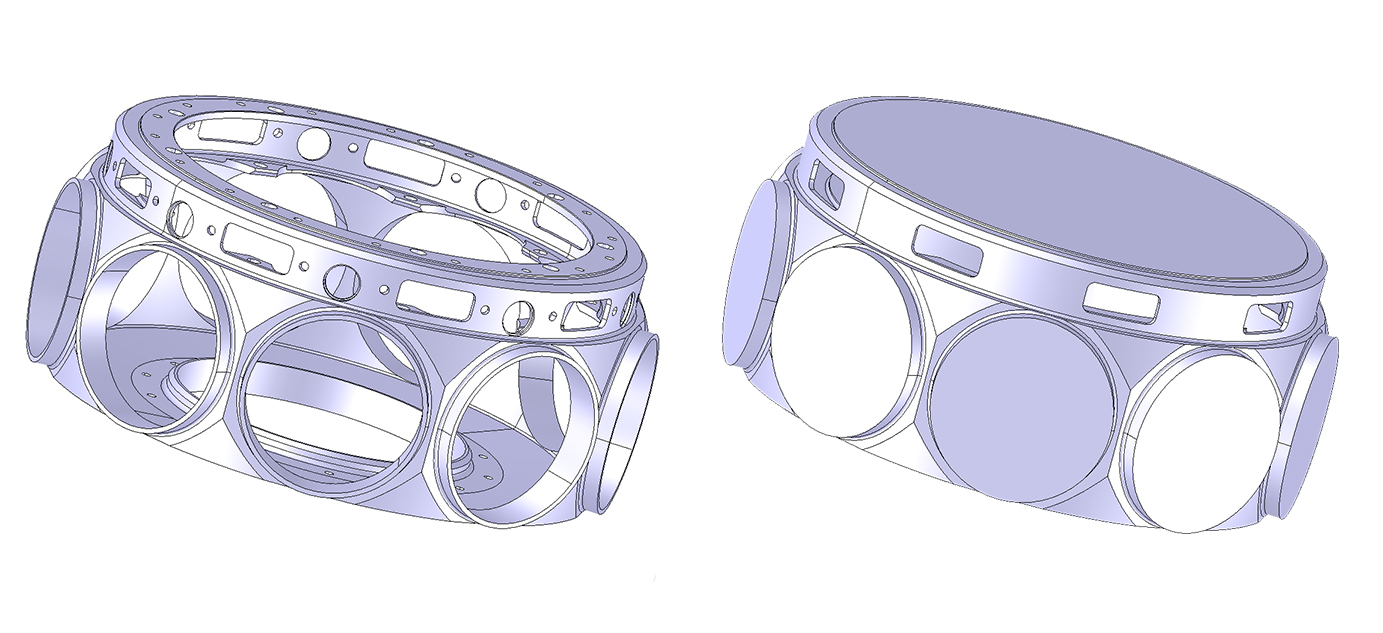


Identify and remove features such as fillets and holes from CAD models to achieve the right level-of-detail for visualization, design, manufacturing or simulation.
Applications can use feature recognition along with face removal to build smart defeaturing workflows such as the elimination of specific hole types including counter bore holes, counter sunk holes, through holes, blind holes, and more.
CGM Defeaturing delivers automation by removing hole or fillet features in one-step without user input; for example deleting all the complex fillet chains on a CAD model without manual selection of seed faces.
CGM Defeaturing is customizable by filtering on hole or fillet size; small model details can be removed to reduce solver time and larger details needed in the analysis can be kept.
CAD Parts and assemblies created for manufacturing carry more detail than is needed for real-time rendering, CGM Defeaturing reduces model tessellation and improves visualization performance.
CGM Defeaturing supports standard hole types in CAD systems such as SolidWorks, Catia, etc but is also robust for complex real world scenarios. When removing fillets, CGM Defeaturing preserves model quality through robust surface extension algorithms allowing future modifications such as the application of drafts, chamfers, or direct edits.
CGM Defeaturing uses a geometrical recognition algorithm and supports Native CAD and formats which do not have feature tree information such as STEP, IGES, etc.
Use feature recognition along with face removal to eliminate details such as logos, pockets and pads.
Software development toolkits (SDKs) are now used by almost every CAD/CAM vendor in one form or another. Popular applications included 3D geometric modeling, data translation, visualization, toolpath generation and simulation.
Why are SDKs so popular in the CAD/CAM industry? This white paper takes a look at SDK technology, the benefits and return on investment.


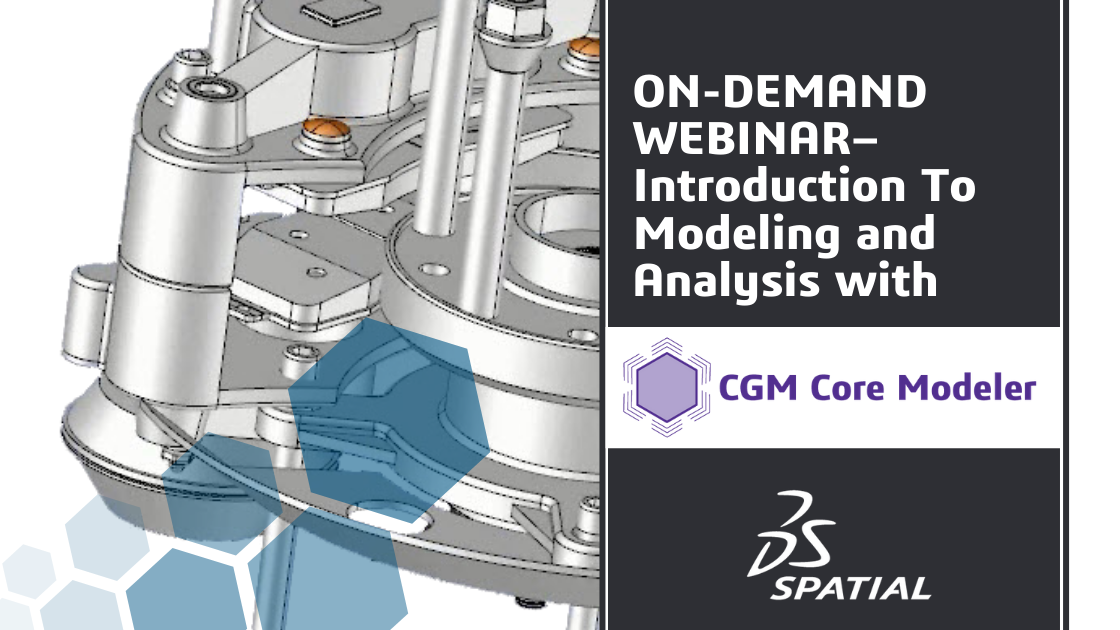
CGM provides a powerful, next-generation platform for 3D modeling, supplying functions to create, modify and query objects, as well as to support visualization, simulation and analysis. This presentation provides an overview of some of the programming workflows available in CGM to create and use solid models.


Learn how you can start handling both CAD and scanned data to enable hybrid manufacturing
Speaker: Shweta Singh, Technical Marketing at Spatial.
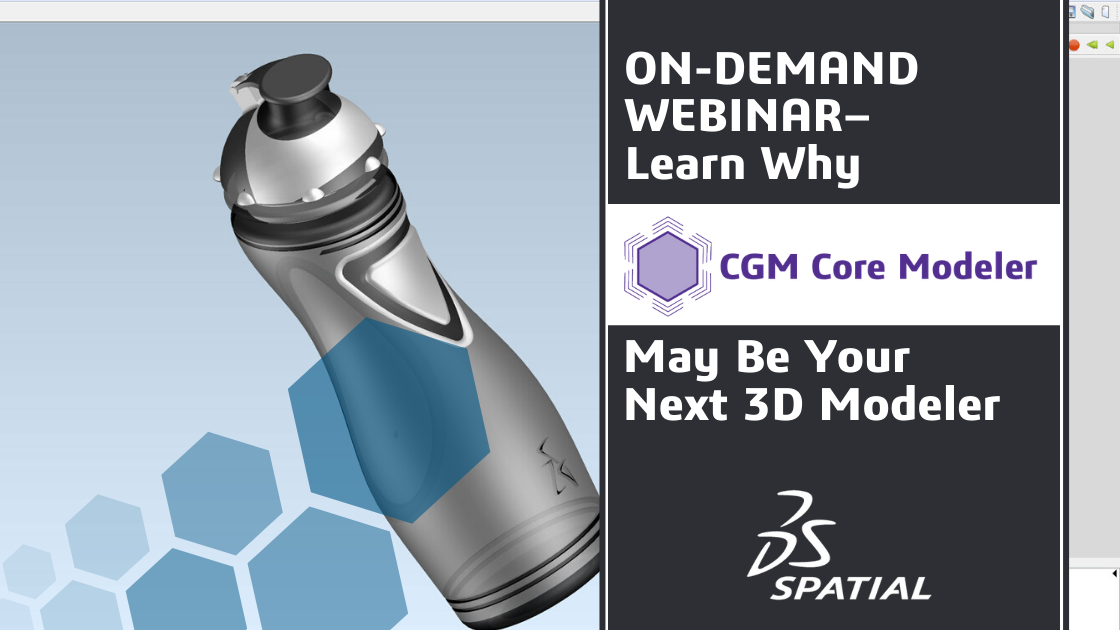
Ray Bagley provides an overview of CGM Core Modeler, the industry’s first new commercial geometric modeler in over 10 years. Learn the top 3 reasons why you should consider CGM Core Modeler for your next-generation application.


ACIS, 3DScript and SAT are registered trademarks of Spatial Corp.
Privacy Policy Piracy Prevention Site Map